7.3. Adding Inventory Items
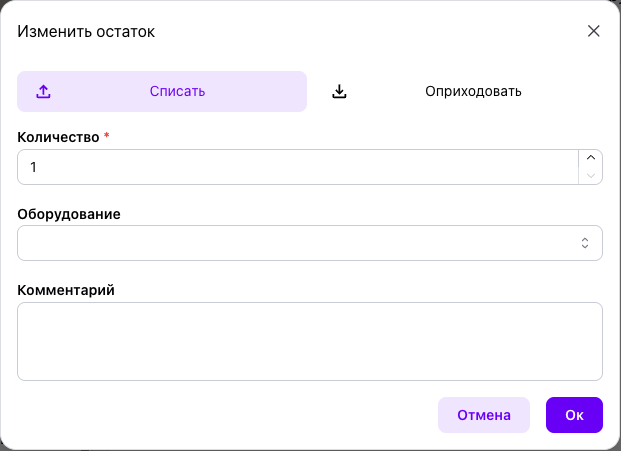
To register a new spare part or consumable, click “Add item” in the “Inventory” section. Complete the following fields in the item record:
- Name — the name of the spare part or consumable;
- Part number — the manufacturer's or internal part number;
- Barcode — entered manually or read with a scanner;
- Photograph — used for quick visual identification;
- Equipment — one or more assets for which the item is intended;
- Minimum stock level — the threshold at which the item is highlighted in red;
- Unit of measure — pieces, meters, kilograms, liters, packages, or another applicable unit.
One spare part can be linked to several assets without creating duplicate item records.
Storage Location
When required, specify the exact storage location: zone, rack, shelf level, and bin. This level of detail speeds up picking in large warehouses.
Use “Additional information” for application notes, supplier details, equivalent parts, storage recommendations, and maintenance team comments. Click “Save” when the record is complete.