2.4. Navigation
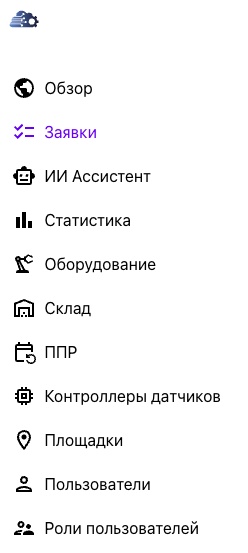

Navigate the platform using the sidebar on the left side of the window. The menu has two display modes:
- expanded — displays section icons and names;
- collapsed — displays section icons only.
Click the ☰ button at the top of the navigation panel to switch between modes.
The menu items provide quick access to the platform's sections. The sections available depend on the user's role and assigned permissions. Users see only the sections and features they are authorized to access.
The platform interface is responsive and automatically adapts to the browser window or device screen. When the window becomes narrower, the navigation sidebar automatically changes into a bottom menu similar to the platform's mobile version. This provides a convenient experience on desktop computers, tablets, and mobile devices without reducing system functionality.
The system administrator controls which menu items are available. No additional configuration is required from the user.