4.8. Files
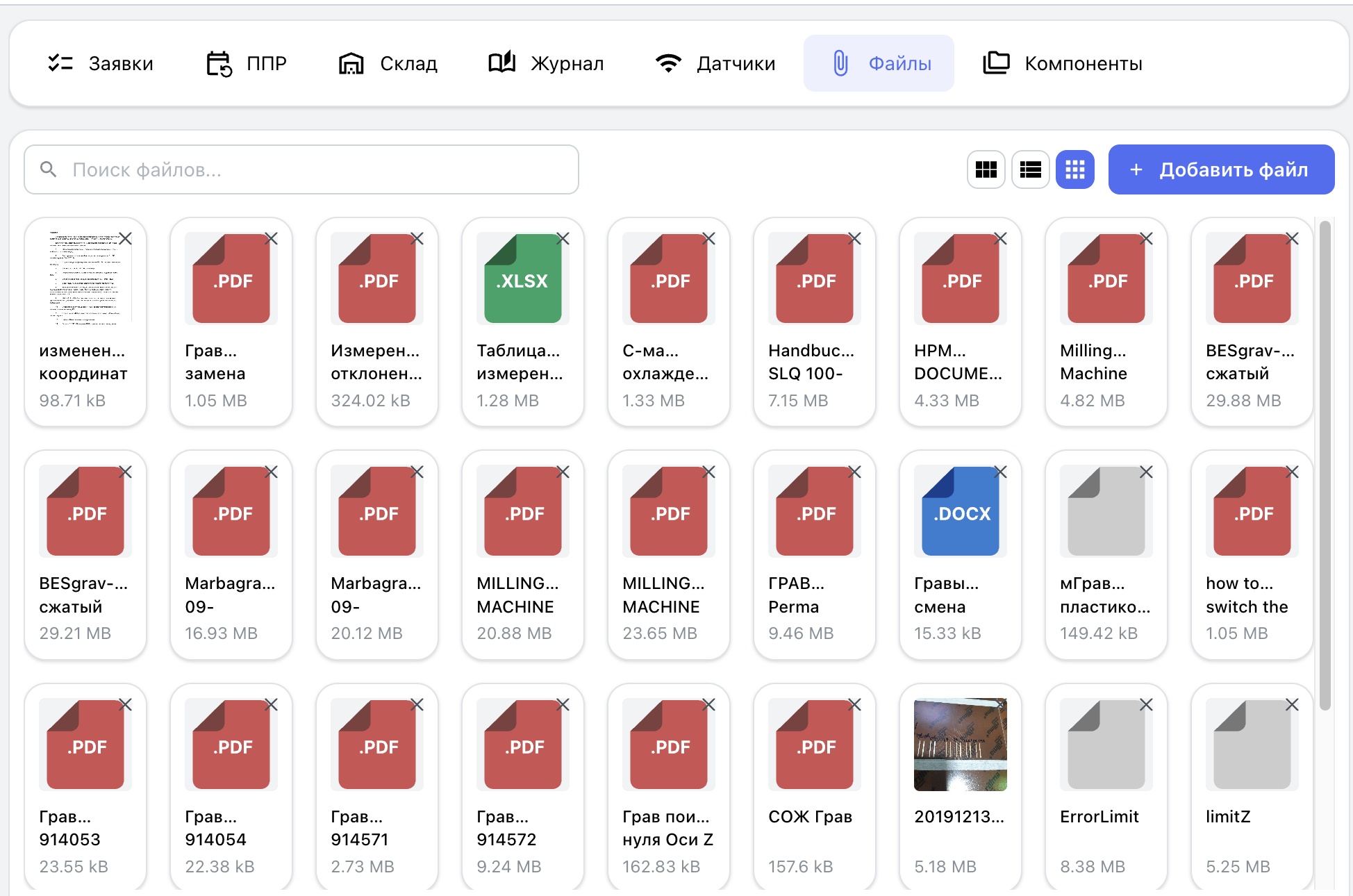
The “Files” tab provides centralized storage for documentation and supplementary materials related to a specific asset. The maximum file size is 200 MB.
The following files can be attached to equipment:
-
technical and operating documentation;
-
operation and repair manuals;
-
electrical and hydraulic diagrams;
-
photographs of the equipment and individual assemblies;
-
illustrated instructions;
-
configuration files;
-
software backups;
-
any other material required for maintenance.
-
JPEG, PNG, WEBP, and other image formats open directly in the interface.
-
PDF documents open in a new browser or PWA tab.
-
Files in all other formats are downloaded automatically to the user's device.
File-name search is limited to files attached to the current equipment. Three display modes are available:
- “List” — a compact view with essential file details;
- “Grid” — thumbnails suited to images and photographs;
- “Tiles” — larger previews for quick visual searches.